✨ New Arrivals Just Dropped!Explore

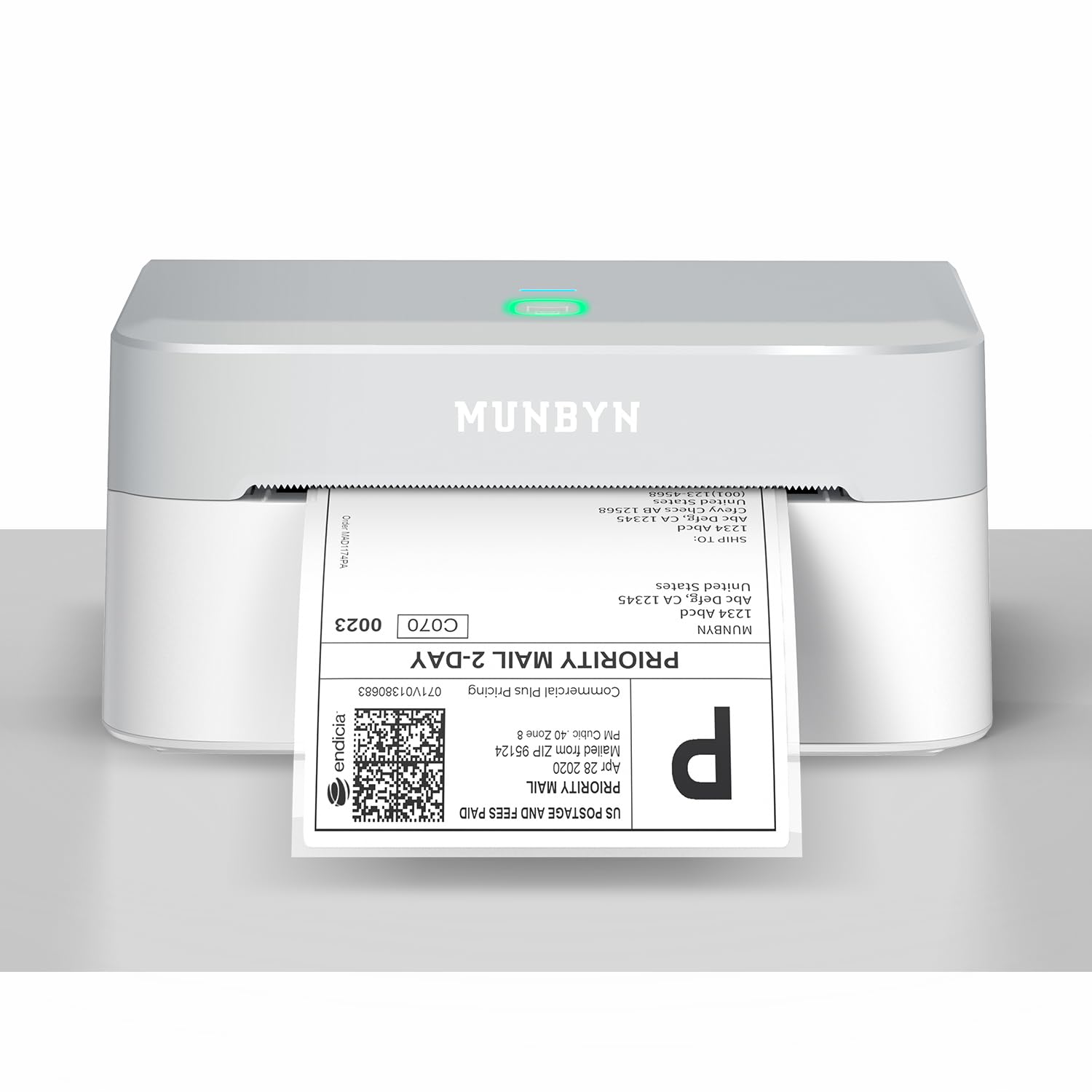
MUNBYN MC240 Bluetooth Thermal Label Printer with Battery, Built-in Paper Bin, Portable Wireless 4×6 Shipping Label Printer, Compatible with iOS, Android, Windows, Mac, Works for Small Business
- Portable Battery Design – Rechargeable battery powers your MUNBYN thermal printer to print 4x6 shipping labels without plugging in, perfect for mobile work or printing on the go
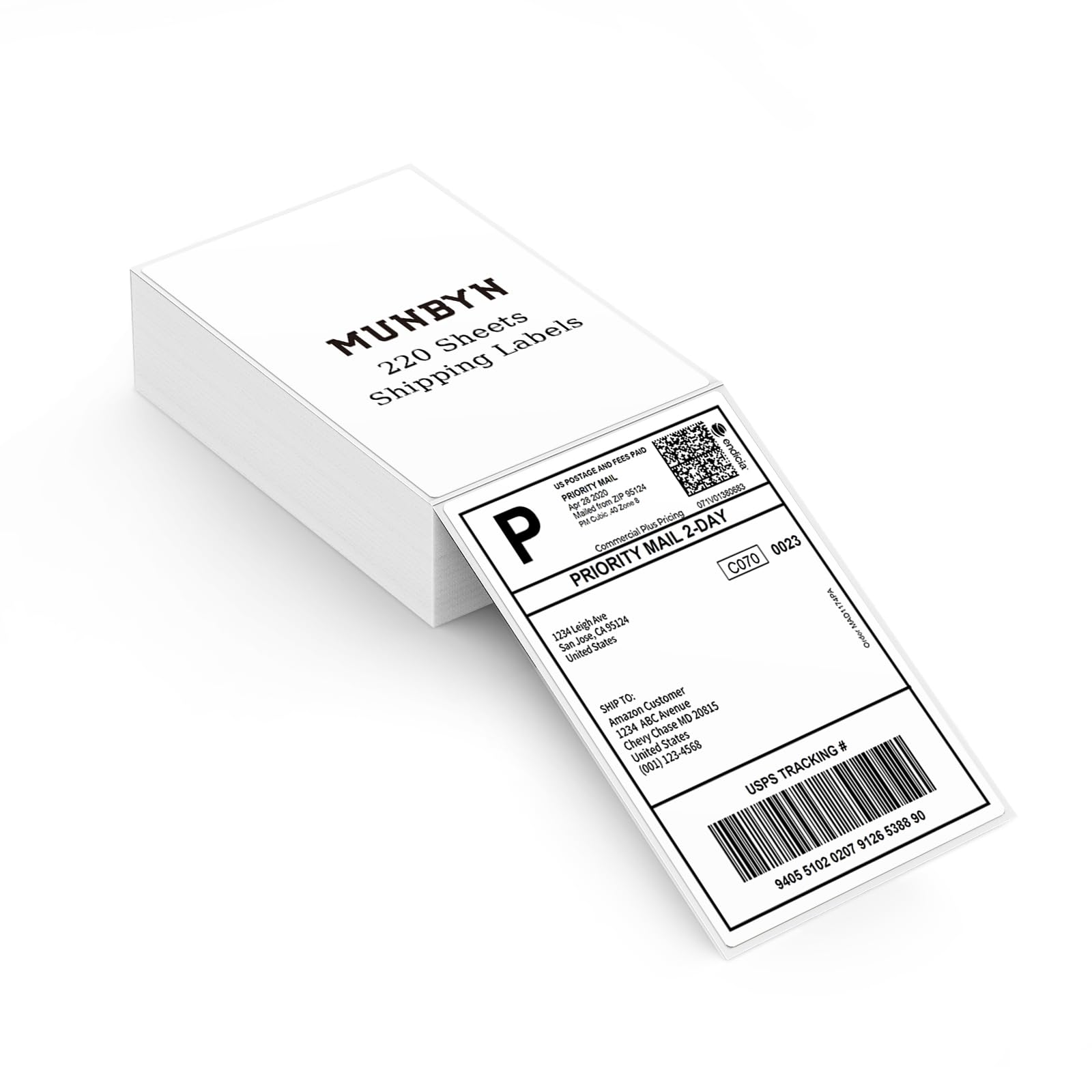
- Compatible Labels – Built-in paper bin fits labels ≤ 52mm (approximately 50-150 labels). Compatible with Munbyn label series, including Morandi series 1.96"x1.96" (50mmx50mm), Generic Circle series labels 1.96"x1.96" (50mmx50mm), Generic Rectangular series labels 1.97'' x 1.18'' (50mm x 30mm), Jadens 50-sheet 4"x6" logistics label, Phomemo 55-sheet 4"x6" logistics label
- Smart Dual Connectivity – This MUNBYN Bluetooth Thermal Label Printer connects wirelessly via the MUNBYN Print App for iOS/Android, or via USB to Windows and Mac for fast, stable printing anytime, anywhere
- Flexible Dual Printing Modes – Built-in paper bin keeps labels organized, supports 1.57"–4.3" width sizes. External feed option available, MUNBYN label printer versatile for all needs
- Wide Platform Compatibility – This wireless shipping label printer is compatible with Amazon, eBay, Shopify, USPS, UPS, Etsy, PayPal, Poshmark, DHL, and more. (Note: Save shipping labels as PDF before printing.)
- High-Resolution Thermal Printing – Equipped with a 203 DPI print head, this thermal printer delivers sharp, clear shipping, barcode, address, and product labels with no ink or toner needed, ensuring clean and efficient printing
- Simplify Your Printing Tasks – Design labels with the free “MUNBYN Print” app (iOS/Android) or “MUNBYN Editor” (Chrome). Access 3,500+ design elements, 2,000+ templates, 80+ fonts. Note: Please download the driver before printing. If the print is light, please go to your computer's Printer Preferences and increase the 'Print Density' for dark and clear results.
Product Information
Product Information
Shipping & Returns
Shipping & Returns


MUNBYN MC240 Bluetooth Thermal Label Printer with Battery, Built-in Paper Bin, Portable Wireless 4×6 Shipping Label Printer, Compatible with iOS, Android, Windows, Mac, Works for Small Business
MUNBYN MC240 Bluetooth Thermal Label Printer with Battery, Built-in Paper Bin, Portable Wireless 4×6 Shipping Label Printer, Compatible with iOS, Android, Windows, Mac, Works for Small Business
- Portable Battery Design – Rechargeable battery powers your MUNBYN thermal printer to print 4x6 shipping labels without plugging in, perfect for mobile work or printing on the go
- Compatible Labels – Built-in paper bin fits labels ≤ 52mm (approximately 50-150 labels). Compatible with Munbyn label series, including Morandi series 1.96"x1.96" (50mmx50mm), Generic Circle series labels 1.96"x1.96" (50mmx50mm), Generic Rectangular series labels 1.97'' x 1.18'' (50mm x 30mm), Jadens 50-sheet 4"x6" logistics label, Phomemo 55-sheet 4"x6" logistics label
- Smart Dual Connectivity – This MUNBYN Bluetooth Thermal Label Printer connects wirelessly via the MUNBYN Print App for iOS/Android, or via USB to Windows and Mac for fast, stable printing anytime, anywhere
- Flexible Dual Printing Modes – Built-in paper bin keeps labels organized, supports 1.57"–4.3" width sizes. External feed option available, MUNBYN label printer versatile for all needs
- Wide Platform Compatibility – This wireless shipping label printer is compatible with Amazon, eBay, Shopify, USPS, UPS, Etsy, PayPal, Poshmark, DHL, and more. (Note: Save shipping labels as PDF before printing.)
- High-Resolution Thermal Printing – Equipped with a 203 DPI print head, this thermal printer delivers sharp, clear shipping, barcode, address, and product labels with no ink or toner needed, ensuring clean and efficient printing
- Simplify Your Printing Tasks – Design labels with the free “MUNBYN Print” app (iOS/Android) or “MUNBYN Editor” (Chrome). Access 3,500+ design elements, 2,000+ templates, 80+ fonts. Note: Please download the driver before printing. If the print is light, please go to your computer's Printer Preferences and increase the 'Print Density' for dark and clear results.
$545.33
MUNBYN MC240 Bluetooth Thermal Label Printer with Battery, Built-in Paper Bin, Portable Wireless 4×6 Shipping Label Printer, Compatible with iOS, Android, Windows, Mac, Works for Small Business—
$545.33
Product Information
Product Information
Shipping & Returns
Shipping & Returns
Description
- Portable Battery Design – Rechargeable battery powers your MUNBYN thermal printer to print 4x6 shipping labels without plugging in, perfect for mobile work or printing on the go
- Compatible Labels – Built-in paper bin fits labels ≤ 52mm (approximately 50-150 labels). Compatible with Munbyn label series, including Morandi series 1.96"x1.96" (50mmx50mm), Generic Circle series labels 1.96"x1.96" (50mmx50mm), Generic Rectangular series labels 1.97'' x 1.18'' (50mm x 30mm), Jadens 50-sheet 4"x6" logistics label, Phomemo 55-sheet 4"x6" logistics label
- Smart Dual Connectivity – This MUNBYN Bluetooth Thermal Label Printer connects wirelessly via the MUNBYN Print App for iOS/Android, or via USB to Windows and Mac for fast, stable printing anytime, anywhere
- Flexible Dual Printing Modes – Built-in paper bin keeps labels organized, supports 1.57"–4.3" width sizes. External feed option available, MUNBYN label printer versatile for all needs
- Wide Platform Compatibility – This wireless shipping label printer is compatible with Amazon, eBay, Shopify, USPS, UPS, Etsy, PayPal, Poshmark, DHL, and more. (Note: Save shipping labels as PDF before printing.)
- High-Resolution Thermal Printing – Equipped with a 203 DPI print head, this thermal printer delivers sharp, clear shipping, barcode, address, and product labels with no ink or toner needed, ensuring clean and efficient printing
- Simplify Your Printing Tasks – Design labels with the free “MUNBYN Print” app (iOS/Android) or “MUNBYN Editor” (Chrome). Access 3,500+ design elements, 2,000+ templates, 80+ fonts. Note: Please download the driver before printing. If the print is light, please go to your computer's Printer Preferences and increase the 'Print Density' for dark and clear results.